Your Private Trading Room: SIBEX launches P2P Group Trading Feature

SIBEX is proud to present to you its newest addition to the platform, the Group Trading Feature. This unique feature allows users to trade OTC peer-to-peer with their networks, securely and privately.

Trade with your community in the SIBEX network
On the SIBEX Platform, users can perform cross-chain atomic swaps between Bitcoin and ERC-20 tokens. With the use of Hashed Time-Lock Contracts (HTLCs), you can trade cryptocurrencies peer-to-peer between blockchains with no third-party involvement.

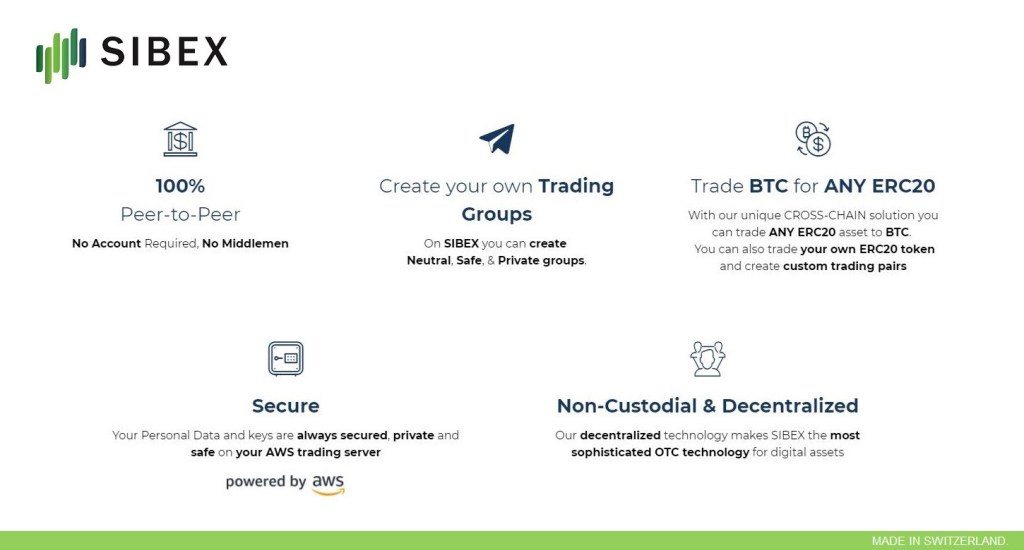
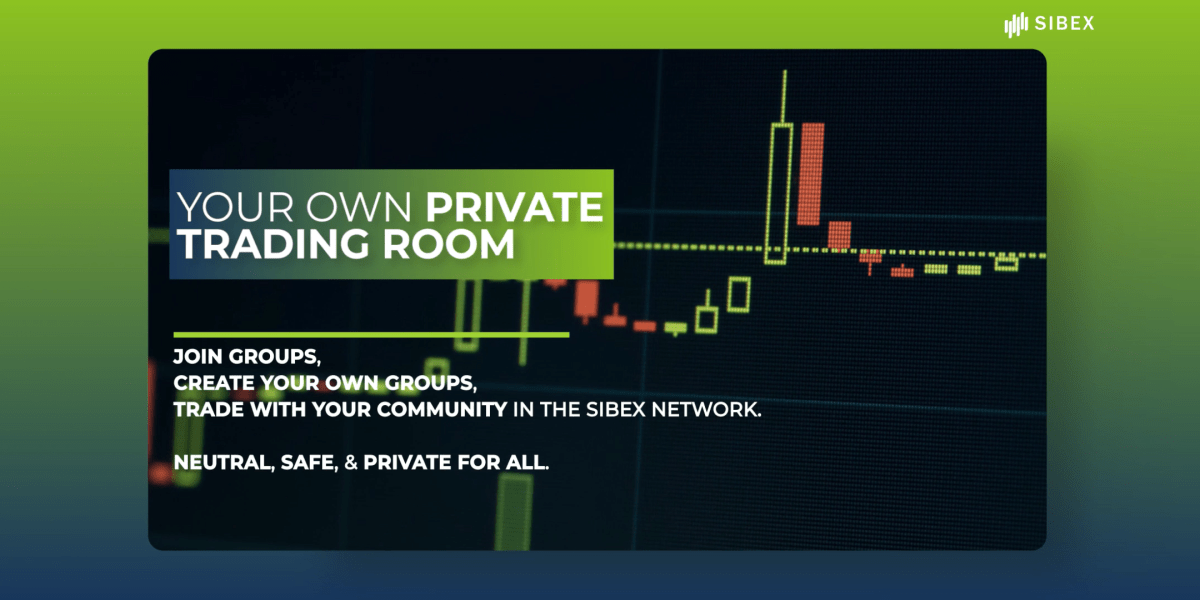
The Group Trading Feature on SIBEX allows anyone to pseudonymously create personal trading groups and manage their own OTC group as an exchange. Users have the option to join an existing group of traders. Alternatively, they can also create a new group and invite up to 50 members, keeping trades safe and decentralized in a close-knit private community.

Whether you are a group manager, a broker, or a seasoned trader, you can easily transition between the SIBEX Platform and private messaging platforms, building markets organically and improving liquidity.
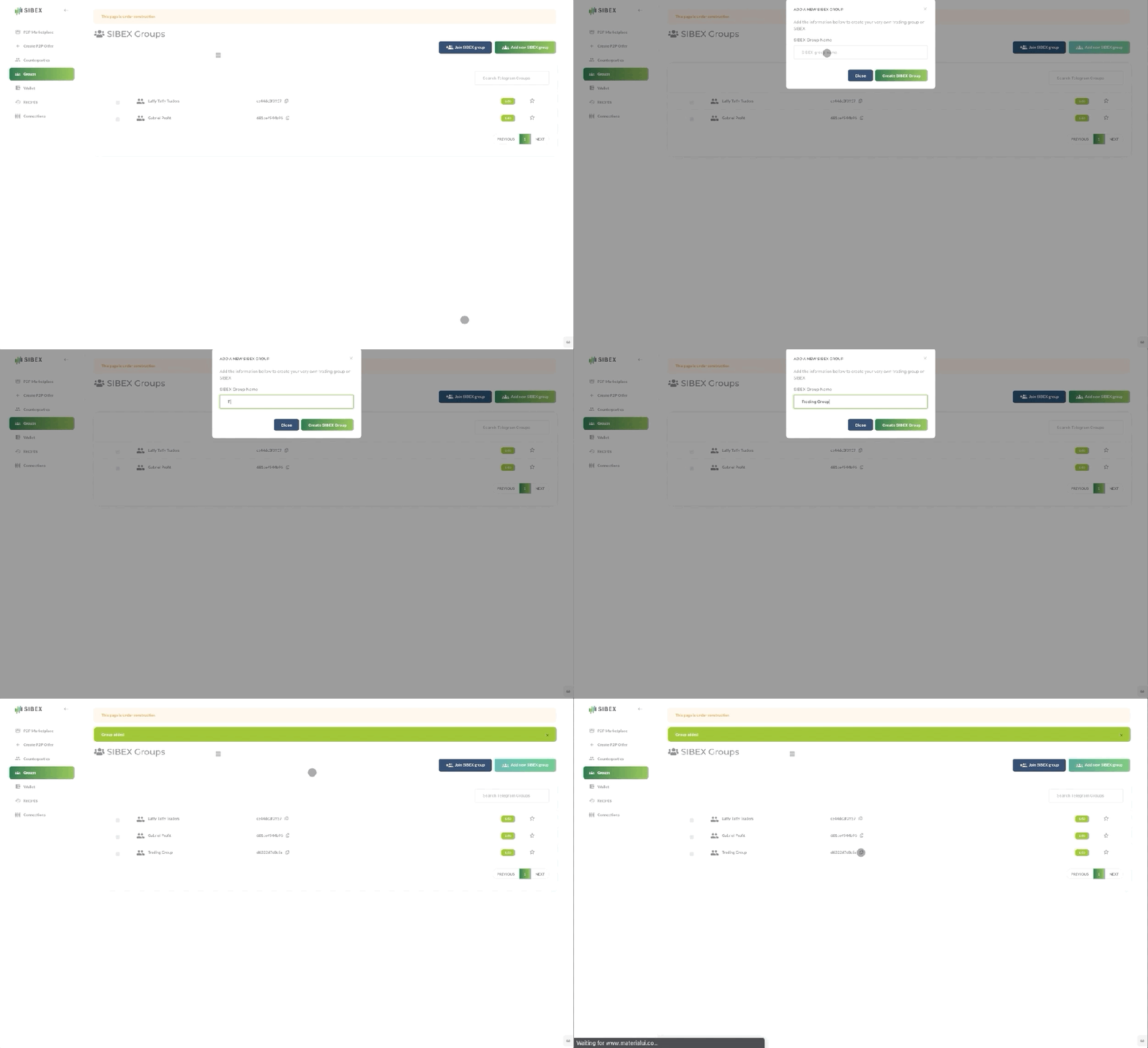
Create your own private trading room.

“Not Your Keys, Not Your Coins”
Several centralized exchanges recently faced serious problems — They were hacked, and had suspended withdrawal services, leaving users unable to retrieve their assets.

Such issues will not happen on the SIBEX Platform, as SIBEX removes all intermediaries between traders. Powered by Amazon Web Services (AWS), users can be assured that their personal data and keys are always secured as every SIBEX user has their own personal trading server on AWS. The assets, private keys, information, and the data stored on the users’ AWS trading servers are only available to the user’s sole discretion and guarantees full privacy, security, and the decentralization of trade settlements.

Get started on https://otc.sibex.io and trade with your community today.

If you want a demo, contact us at sales@sibex.io.

Follow us for more updates, and join our Telegram group for SIBEX Announcements — http://t.me/sibexltd

(Article: Geoffrey Cheng / SIBEX @ Medium)

SIBEX Wallet 101

We’ve covered setting up a personal trading server and the benefits of doing so. Now it is time for ‘The Money Talk’.

How your wallet works on SIBEX
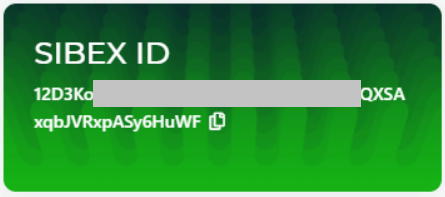
Once you have finished setting up your trading server and logged into otc.sibex.io, your wallet (SIBEX ID) is automatically generated. This non-custodial wallet allows you to store, manage, and to trade your bitcoin and any ERC20 tokens on the SIBEX platform.

This wallet is YOURS. It is your wallet, connected to SIBEX via your personal trading server.

Non-custodial: Only you can access your wallet
At SIBEX, we never store your crypto assets, we are only providing you with the software you need to store them yourself on AWS server. Your wallet is unlocked on your server using your password. The password acts as your decryption key to lock and unlock your wallet — without it, you cannot access your wallet. Since we don’t know and don’t store your password, only you can unlock your wallet.

Access your wallet anytime, anywhere
We made this happen because your wallet is on the AWS server created by yourself 24/7. Storing your wallet securely on AWS servers ensures that your wallet can be accessed from anytime, anywhere, and from any of your devices.

Secure, Private, & Safe
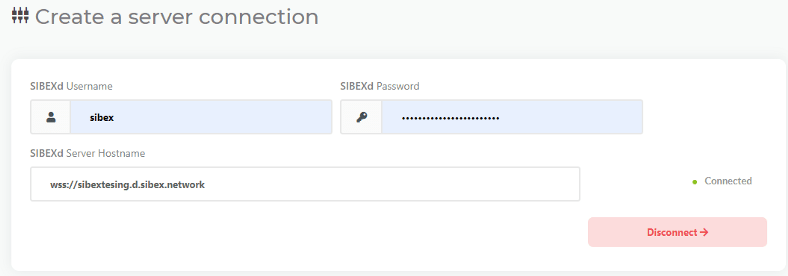
When you access your wallet using your SIBEX username, password, and server hostname, your browser uses our API to access your wallet from your own AWS server, which is then securely shown on your device.

Can I recover my wallet?
If you have your wallet files, you have your private keys.

Your SIBEX credentials are stored in your own AWS server which we have no control at all (it’s your own server). If you lose your SIBEX credentials, you lose access to your crypto, so take measures (e.g a password manager) to securely store your SIBEX credentials.

“Not your keys, not your bitcoins” is a common understanding of crypto ownership, but in SIBEX we get this to another level: “If it’s not your keys and your own server, it’s not your bitcoin!” Keep full ownership of your crypto assets when trading on SIBEX.

P.S. If you are tech-savvy and don’t want to set up your AWS server, alternatively you can create your own server on your own hardware.

That’s it for today. Follow us for more updates, and join our Telegram group for SIBEX Announcements — http://t.me/sibexltd

(Article: Geoffrey Cheng / SIBEX @ Medium)
Benefits of Running Your Own SIBEX Server

In the previous article SIBEX For Beginners A-Z, we provided a step-by-step guide to setting up a personal AWS server for trading on SIBEX. Some of you may wonder, why run your own personal server on AWS cloud? That’s a great question. You ask, we answer.

Decentralized: Be your own exchange.
Here at SIBEX, we believe in decentralization. Over the years, digital assets worth over hundreds of millions of dollars have been drained from centralized exchanges from major hacks and security breaches. By running your own personal trading server, your personal data and keys are always secured and private.

Not only do centralized exchanges run the risk of being hacked, they also crash during peak times. When a client-server (centralized exchange) system is built, how quickly you can service an increased load on the system (scalability) is an important consideration. The number of users expected to be active at a given time dictates the number of servers that are operated. From the standpoint of centralized exchanges, energy and money is wasted from buying too many servers and having them remain dormant and unused. When the peak load goes beyond what is planned, the centralized service simply stops working. This will not happen on SIBEX. With SIBEX’s decentralized technology, you can trade anytime and anywhere while keeping full control of your assets.

Exchange, Everything. Decentralized.
As every SIBEX user operates their own server, scalability is a perfect 1:1 user-to-server ratio. There are no middlemen between your P2P trades, the principal-agent problem has thus been removed entirely.

Connecting to a private trading server is very straightforward — you can read our setup instructions, or follow simple steps from a short walkthrough video.

Users who are new to the SIBEX Platform can set up their own private trading server with just a few clicks. After a short 15-minute wait for the installation process to complete, go to https://otc.sibex.io, connect to your private trading server, and you can start trading on the SIBEX Platform.

Why AWS?
AWS meets the highest standards for privacy and data security. Using AWS, you will gain the control and confidence you need to run your trading server with the most secure cloud computing environment available today. All data flowing across the AWS global network is automatically encrypted at the physical layer before it leaves the AWS secured facilities.

Thanks to a close working relationship with AWS Cloud Computing Services, the default recommended approach is to set up a server with AWS. Alternatively, you may also set up your server on any cloud or on your own hardware. If you wish to set up a physical personal server at home, our personal server documentation is here for you.

Join our Telegram group for SIBEX Announcements — http://t.me/sibexltd

(Article: Geoffrey Cheng / SIBEX @ Medium)
SIBEX For Beginners A-Z.

New to SIBEX?

SIBEX is a Swiss decentralized protocol that allows you to trade OTC securely & privately and directly between Bitcoin and any ERC20 Tokens you wish using smart contracts.

No Need to Create an Account! No Middleman! Global Liquidity!

How to trade on SIBEX?

Don’t worry, trading on SIBEX is very easy, it only takes a few minutes to get started!

1. Set up AWS trading server

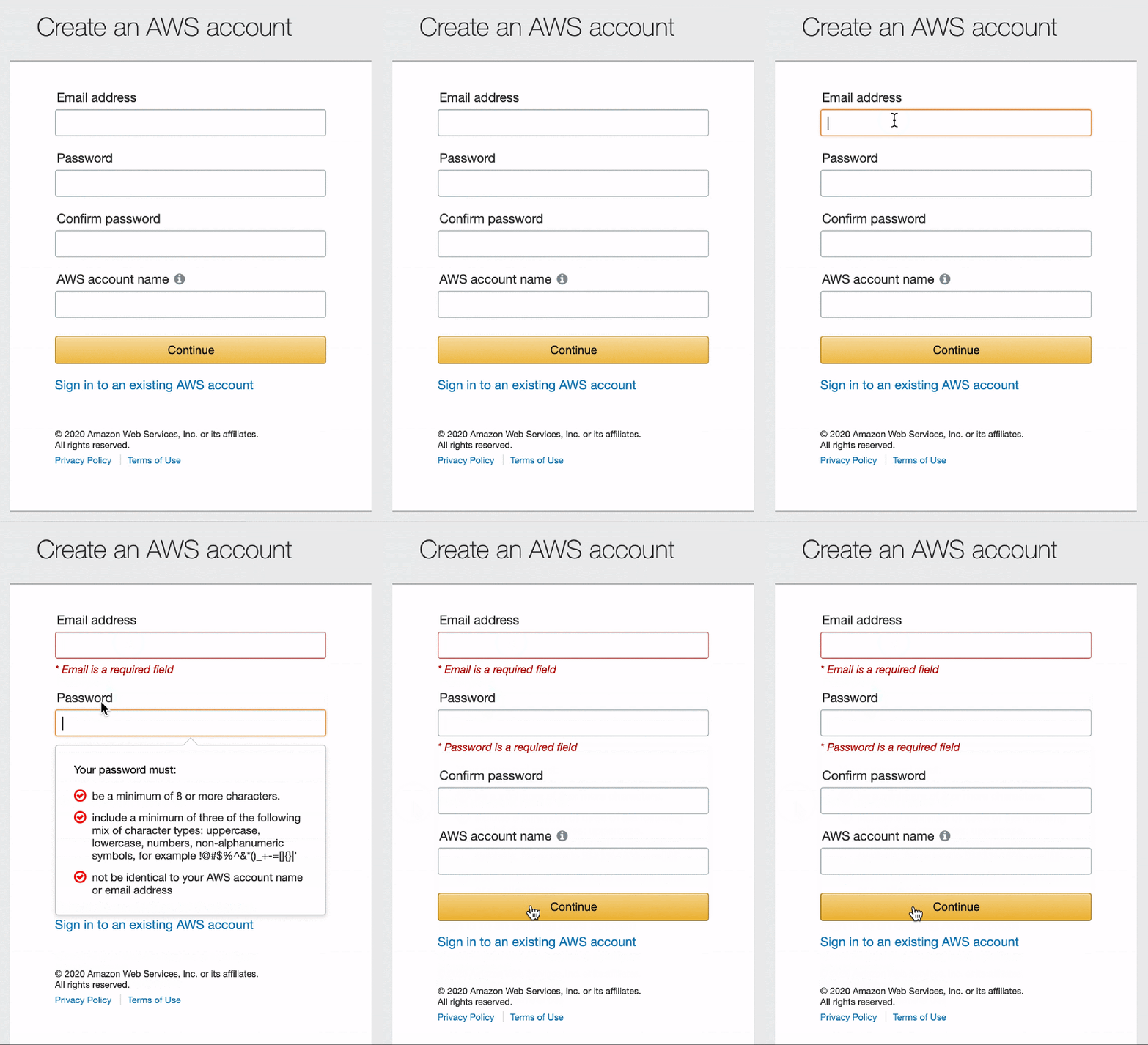
First of all, you need to create an AWS account. This will serve as your unique server to trade on SIBEX. After the account is created, sign in as “Root User” to give you full control of your account.

(You want to avoid AWS and wish to set up on a personal server at home? Just read our personal server documentation.)

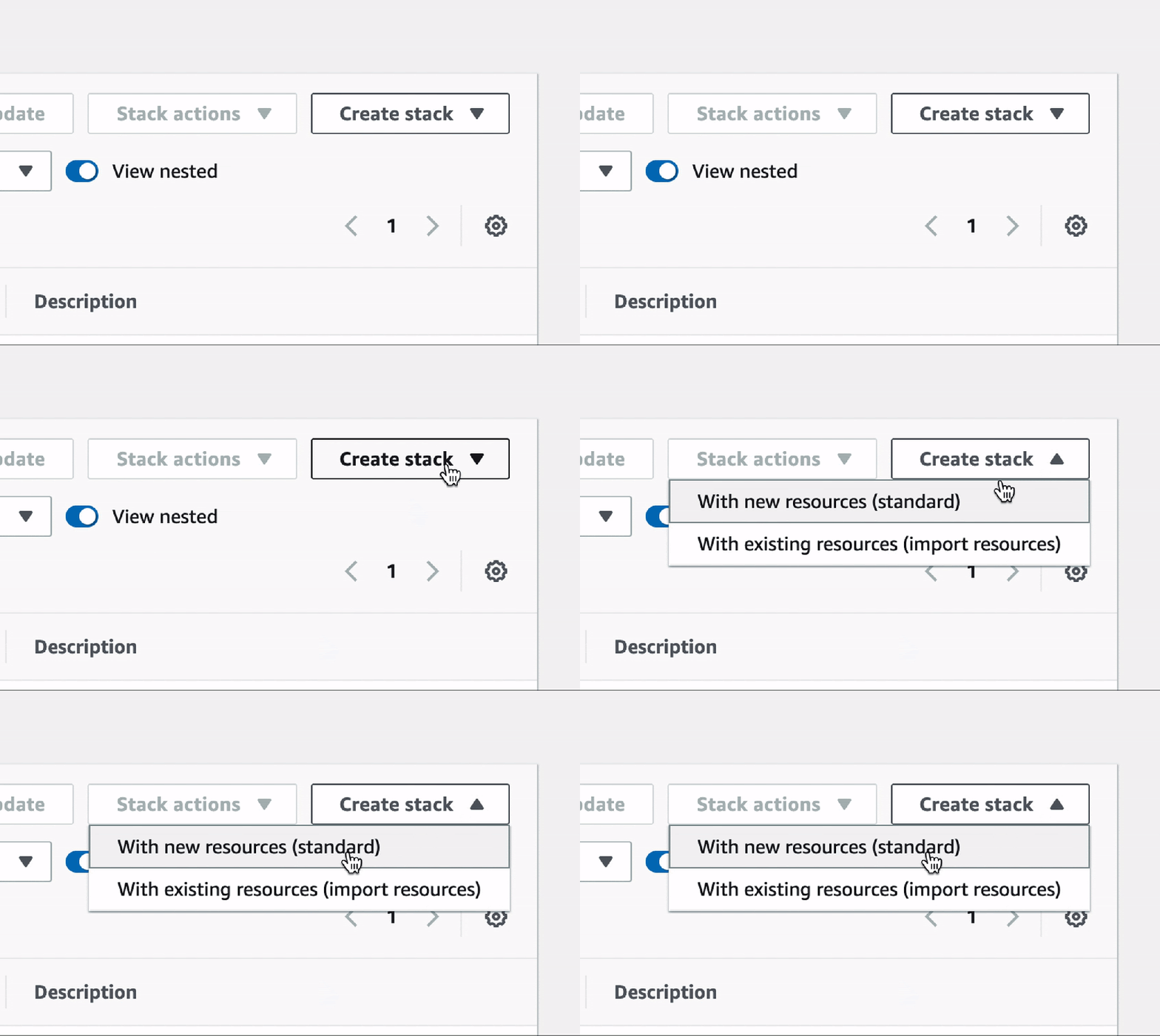
Then go to eu-west-3 cloudformationand use this address onlyClick on “Create Stack” and select “With new resources”.

Good! Now copy and paste this URL https://sibex.s3.eu-west-3.amazonaws.com/SIBEX.json to “Amazon S3 URL”

After that, you just need to keep hitting “Next” to complete all the following steps. Easy right? Now you will see the “Output” button, click on it and copy your “Public IP” address.

And type in “http://YOUR_IP_ADDRESS/start” in your browser.

In a few minutes, you’ll see your Login Credentials for your new server. These are special, and just for you — save them in your password manager.

Now go to otc.sibex.io and start making deals!

2. Now Trade with anyone you want!

Would you like to trade with someone privately? Maybe you met them in a chat group, or on an internet forum. You don’t need to trust them anymore when you trade using SIBEX. You only need their SIBEX ID.

Here’s what you need to do:

  1. Go to https://otc.sibex.io and login
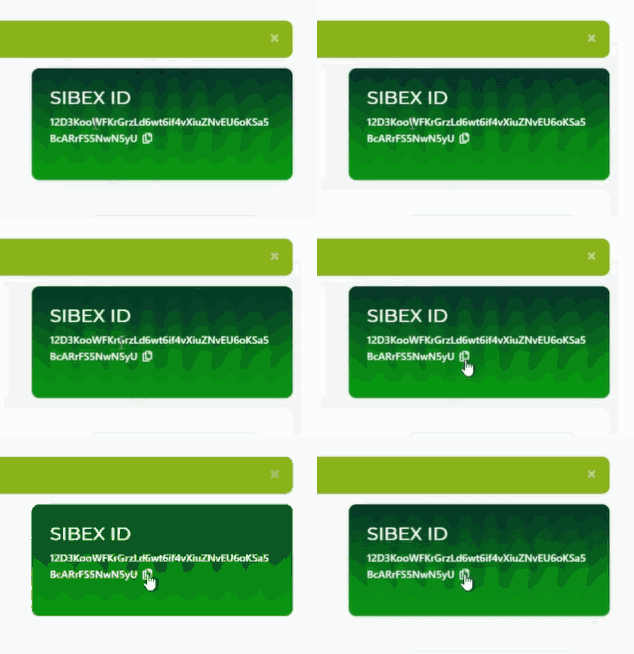
  2. Go to “Wallet” and copy your SIBEX ID, and give it to your counterparty

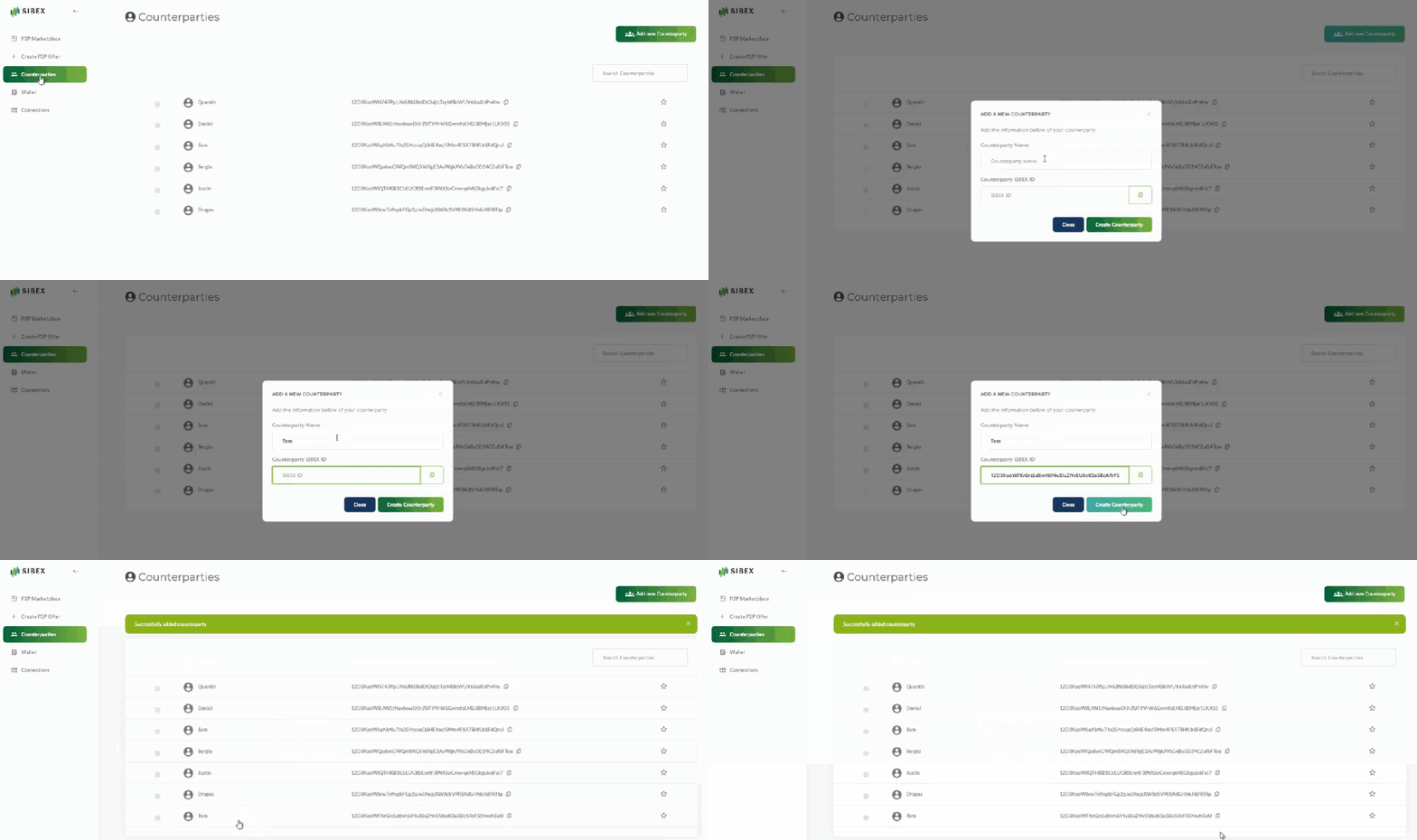
3. Click “Counterparties” and add the SIBEX ID of the person you are trading with.

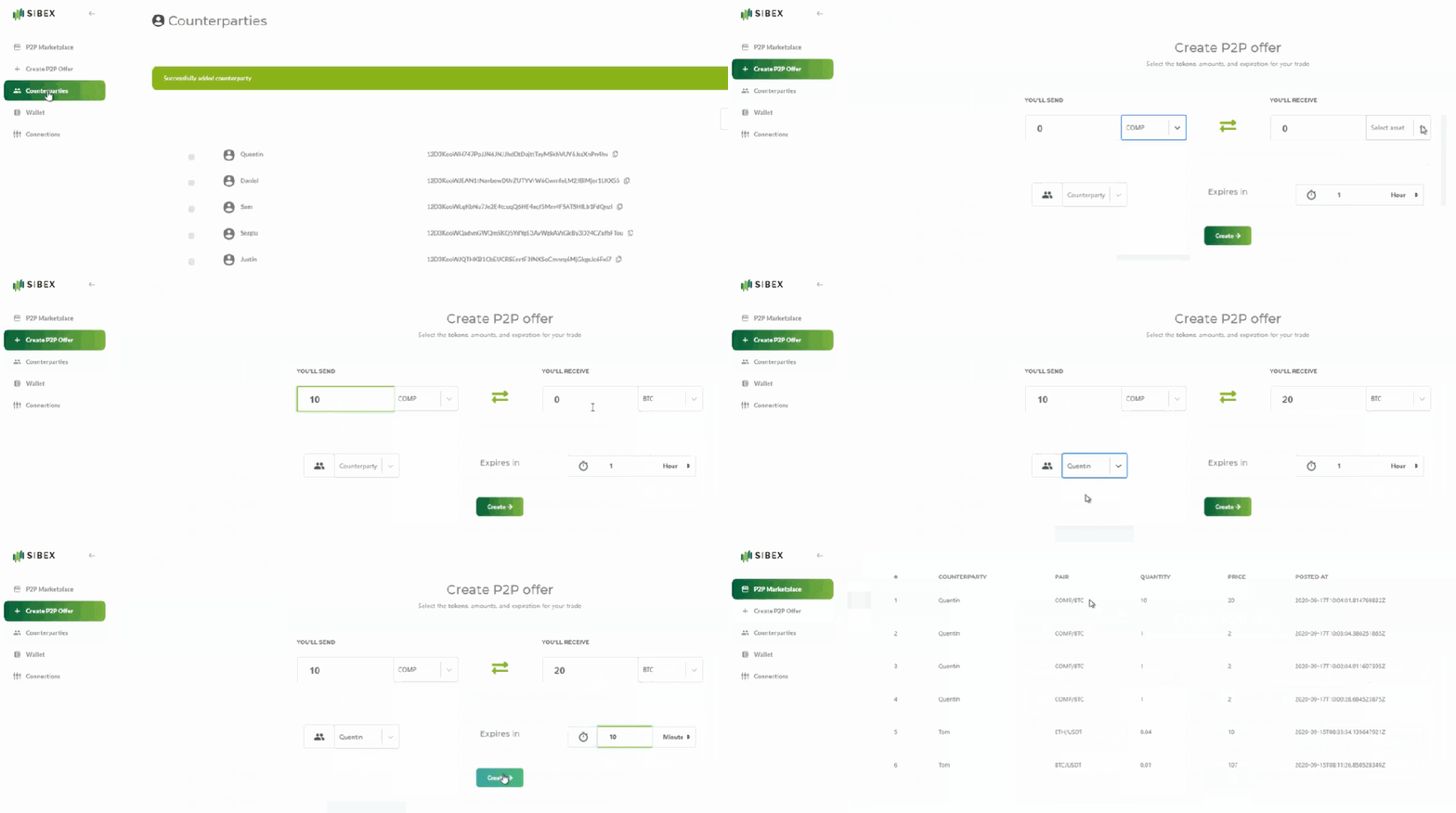
4. Click on “Create P2P Marketplace Offer”

5. Select the counterparty, and specify the terms of the trade.

When you click “Send Offer”, the offer will appear to your counterparty in the “P2P Marketplace”. When your counterparty agrees to take the offer, your exchange will begin immediately and both parties will be settled at the same conditions on-chain.

That’s it! Now enjoy the magic of SIBEX!

If you want more information, check out our Telegram Groups SIBEX & SIBEX TradersYoutube channeland user manual.

(Article: Geoffrey Cheng / SIBEX @ Medium)